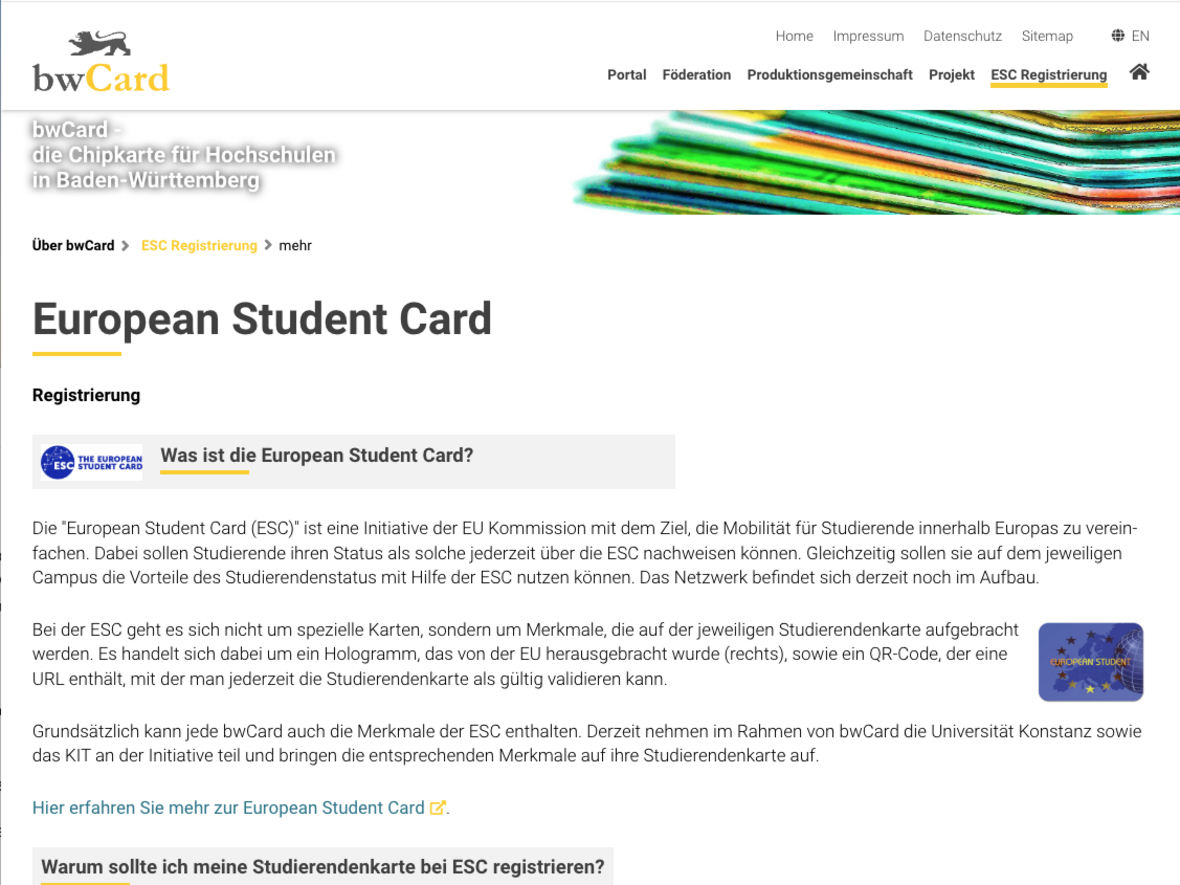
Registering the HFU Card as a European Student Card (ESC)
What you need to know
You should activate your HFU Card as soon as you receive it.
You will not have access to all the features of the HFU Card until you have successfully registered.
What you have to do
You have a valid HFU Card.
- 1.1
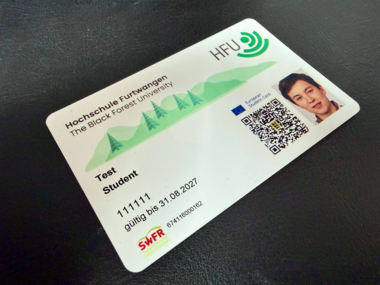
Go to www.bwcard.de/esc-register.php in your browser.
- 2.1
bwCard homepage
- 2.2
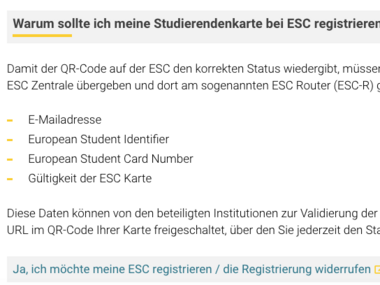
Click the “Yes, I want to register my ESC / cancel my registration” link.
Please select your home organisation from the drop-down menu and then click “Continue”.
Verify your identity and submit your personal information by logging into your HFU account.
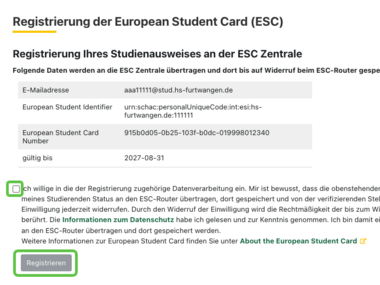
Confirm your consent to the use of the provided data by checking the box, and then click the “Register” button.
- 6.1
Check the registration status on the overview page.
- 7.1

- 7.2
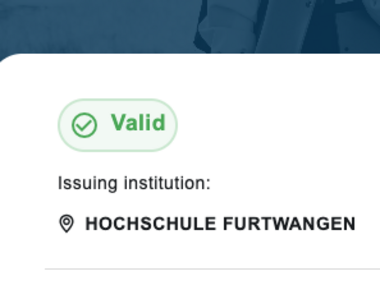
Once your HFU Card has been successfully registered, you can use it as you wish.