Using bwSync and Share via a web browser
What you need to know
Once you have registered with the bwSync&Share service provided by the Karlsruhe Institute of Technology (KIT), you can start using the service.
The following explains how to use the service via a web browser.
The terms of use and further information can be found here:
External link opens in a new window:Terms of Use
External link opens in a new window:bwSync&Share help pages
What you have to do
Once you have successfully registered, please enter the following address into your browser: https://bwsyncandshare.kit.edu/
- 1.1
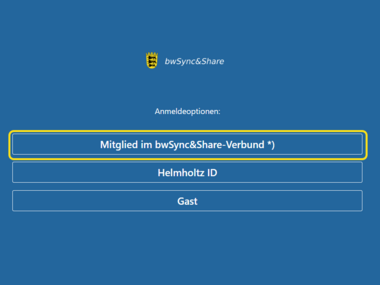
Click on the “Mitglied im bwSync&Share Verbund” (Member of the bwSync&Share network) button.
- 2.1
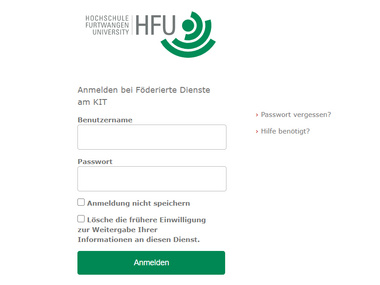
- 2.2
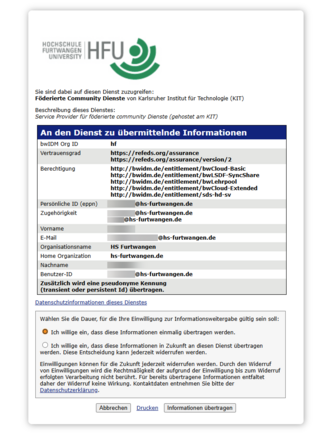
- 2.3
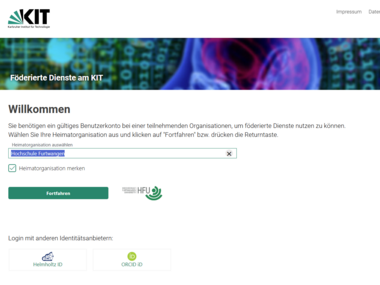 KIT Home page
Selection of the home organisation
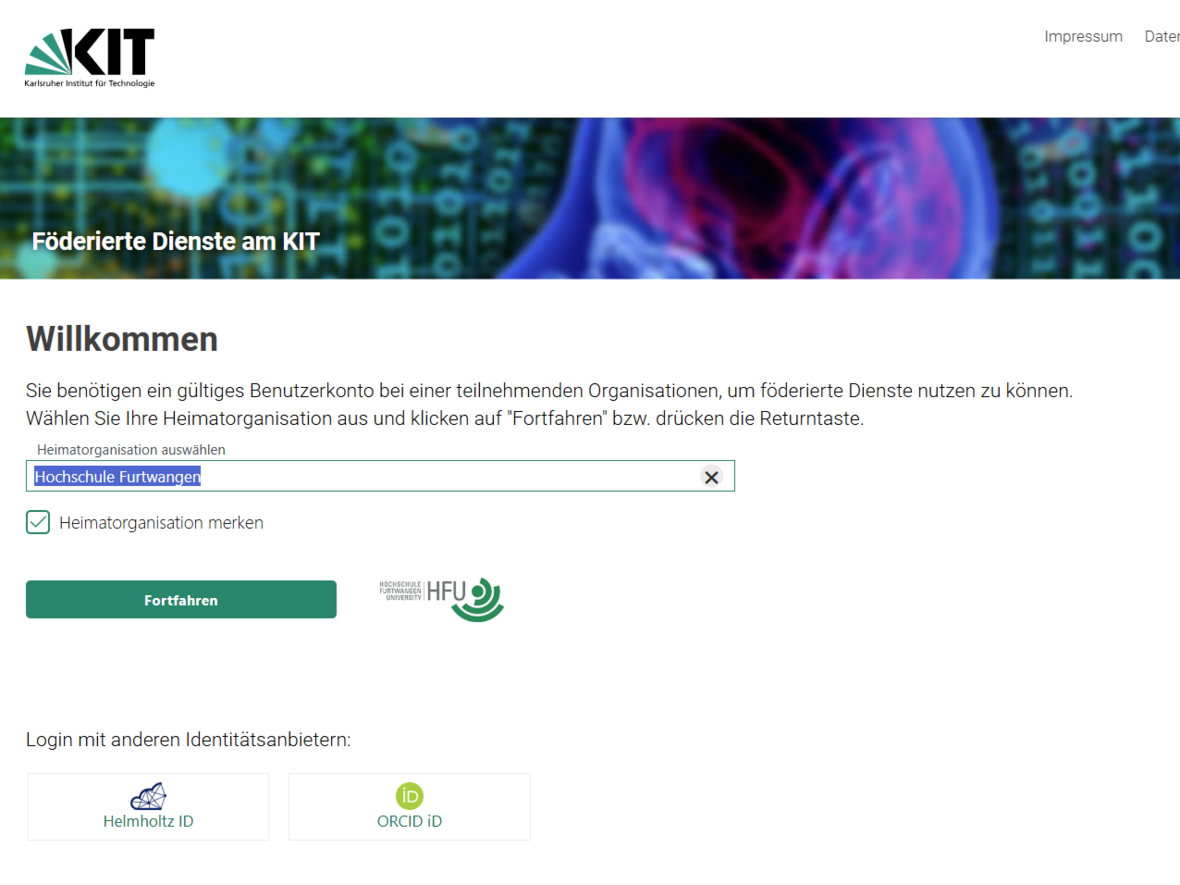
Use the drop-down menu to select ‘Furtwangen University’ as your home organisation, then click the ‘Continue’ button (see Fig. 3.1).
- 3.1
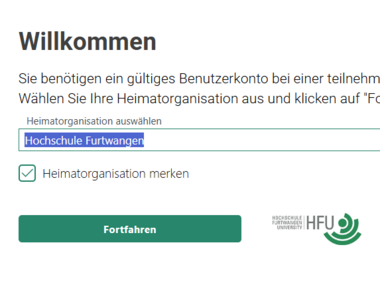 KIT Home page
Select Furtwangen University as your home organisation
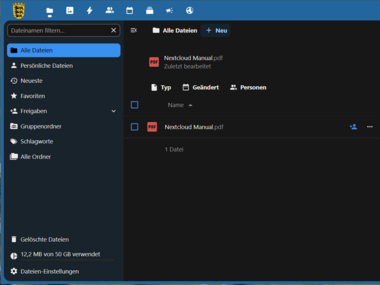
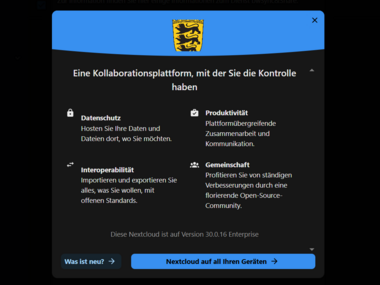
The bwSync&Share home screen will now appear and you can start using the service.
- 3.1
- 3.2
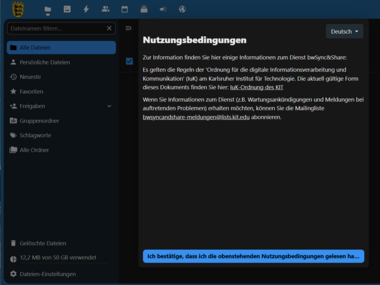
- 3.3