Using Eduroam at HFU and partner universities
What you need to know
With eduroam, you have WiFi access to the internet at all participating universities worldwide. You can find out which other universities participate at External link opens in a new window:www.eduroam.org.
As an HFU member, you must authenticate yourself (as described below) via the DFN service EASYROAM in order to use the eduroam Wi-Fi.
Important: It is now possible to use eduroam on all HFU campuses.
What you have to do
Please note: You will need a working Internet connection for the initial setup.
Which operating system would you like to set up Easyroam for?
Installing Easyroam on Windows 10/11Setting up Easyroam on MacOpen the official DFN guide “External link opens in a new window:Installing the eduroam profile on W10/11 with the easyroam app” in a browser and follow the instructions from step 2 onwards.
- 1.1
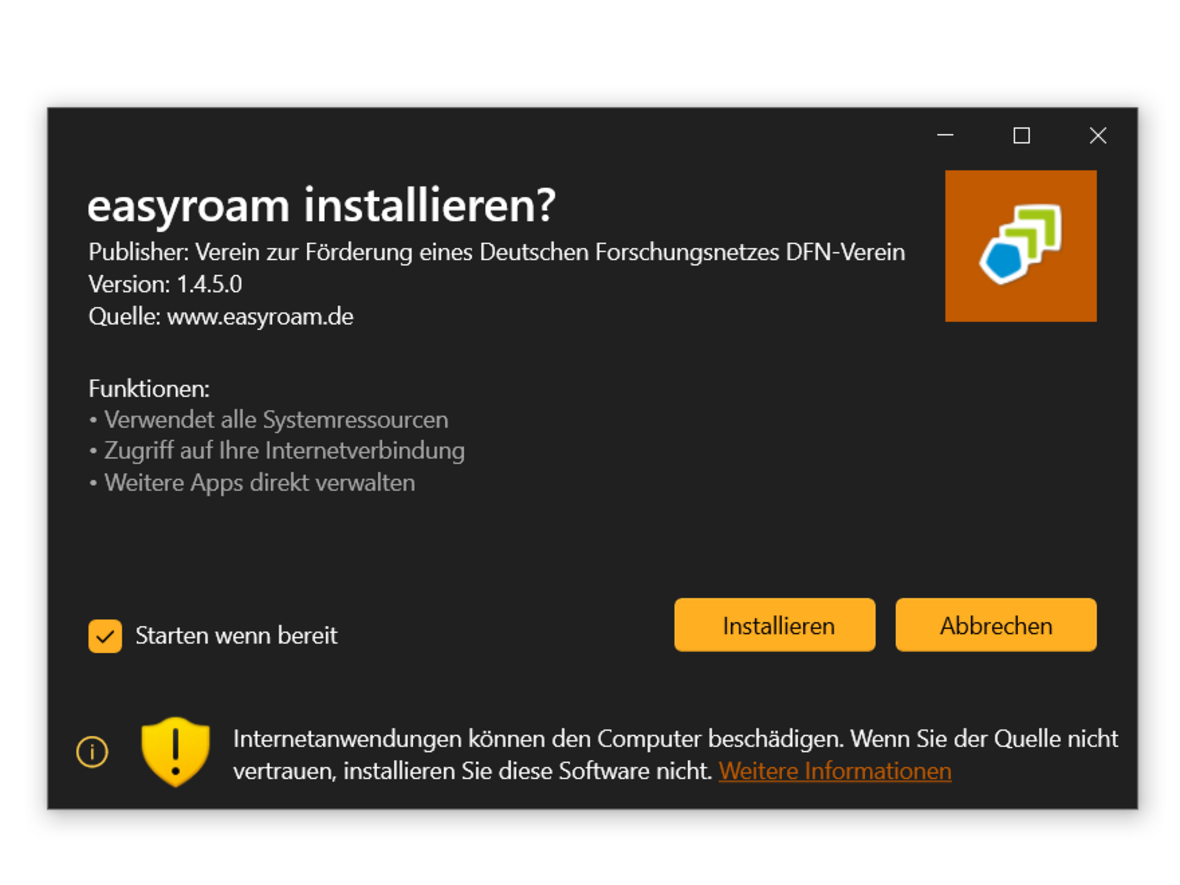
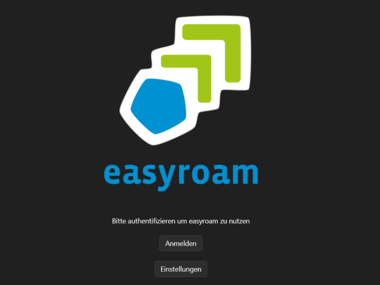
 easyroam installation
View of the installation start screen of the easyroam app
- 1.2
- 1.3
- 1.4
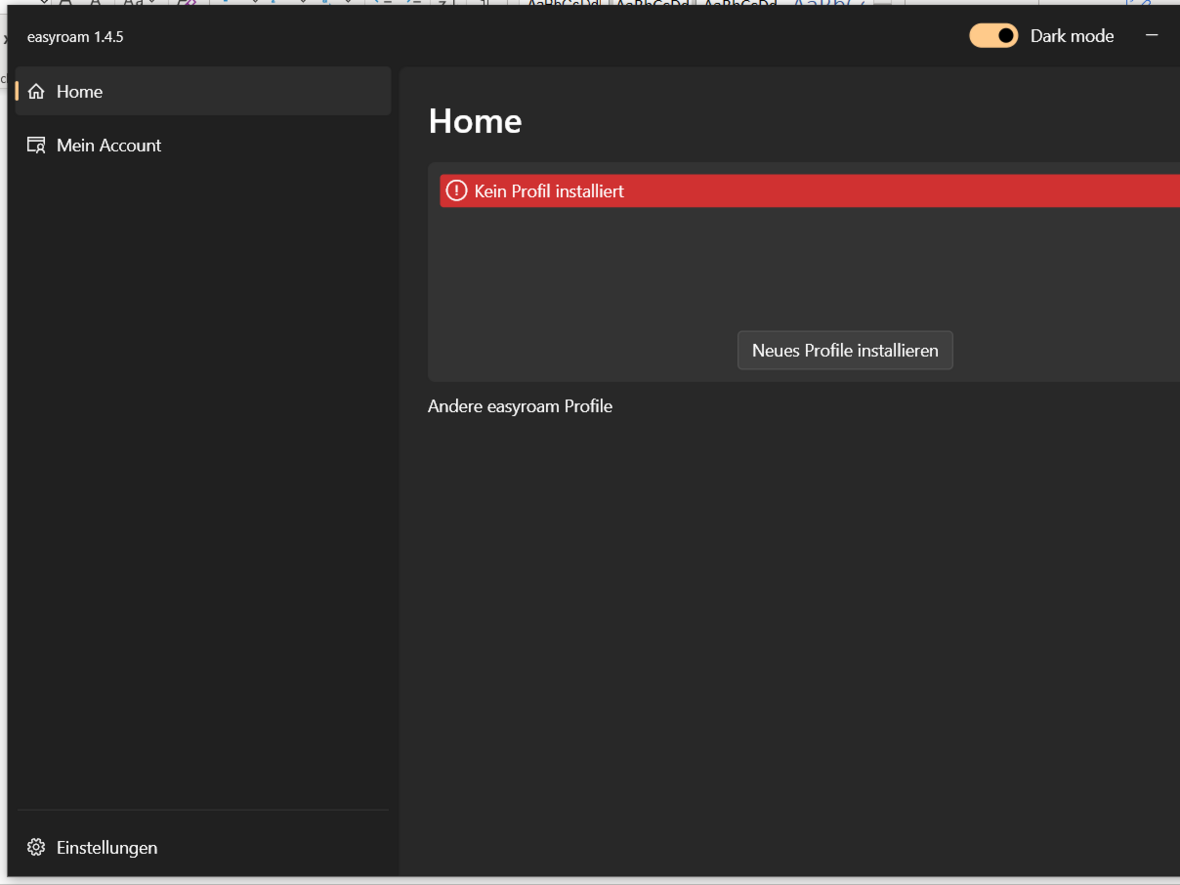
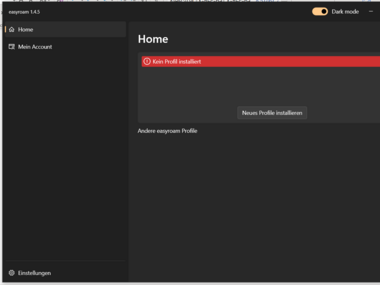 easyroam app without a profile installed
The empty home view before successful profile installation
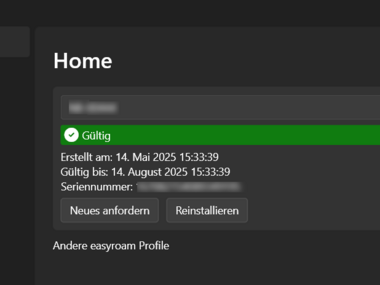
Ensure that the profile has been stored in easyroam, as you can only use eduroam with a valid profile.
- 1.1
Installing Easyroam on other operating systemsOpen the official DFN guide, “External link opens in a new window:Installing the eduroam profile on macOS” (Only German version available) in a browser, and follow the instructions.
- 1.1
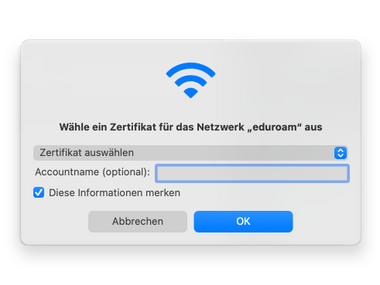
- 1.2
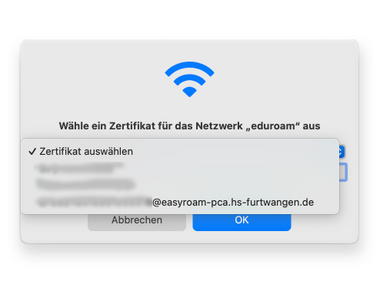
- 1.3
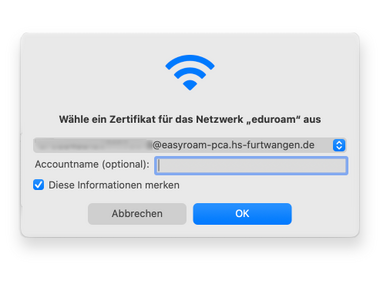
Setting up Easyroam on iPhoneGo to the App Store on your iPhone and install the “easyroam” app.
- 1.1
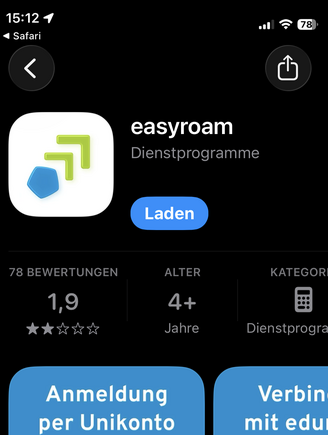
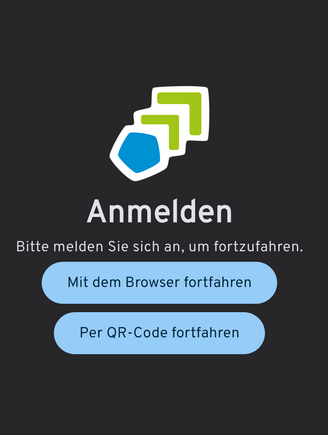
Open the app and select “Continue with browser.”
- 2.1
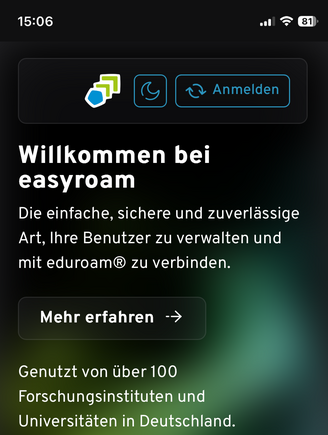
Now select “Log in” (top right).
- 3.1
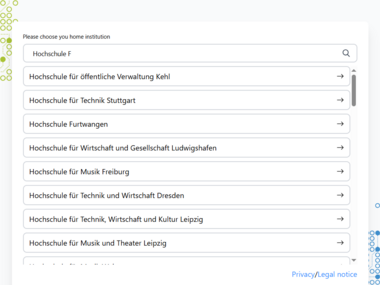
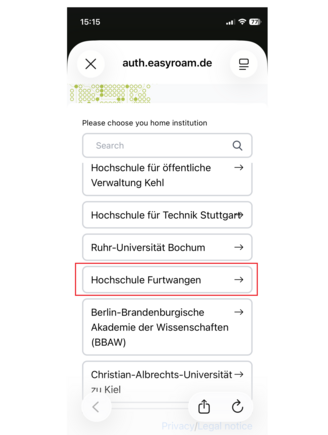
Select “Furtwangen University” from the list.
- 4.1
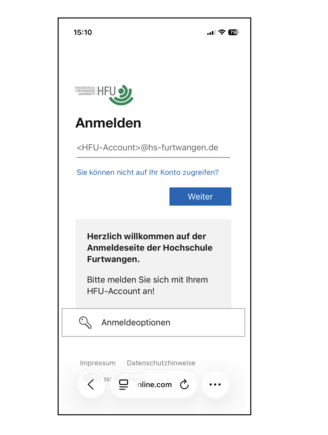
Log in with your HFU account and password. You will then need to confirm with your 2FA.
- 5.1
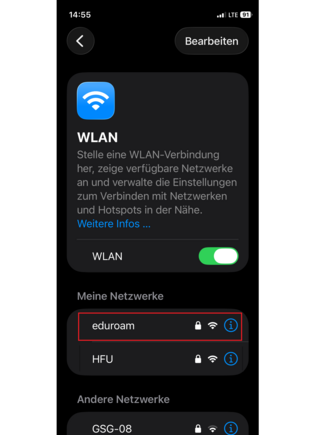
Now go to the Wi-Fi settings and select the “eduroam” Wi-Fi network.
- 6.1