Register bwSync and Share
What you need to know
To use the bwSync&Share online service provided by the Karlsruhe Institute of Technology (KIT), you must first register.
You can find the terms of use and further information here:
External link opens in a new window:Terms of Use
External link opens in a new window:bwSync&Share help pages
What you have to do
Registration:
If this is your first time on bwSync&Share, you’ll need to register first.Open a web browser, such as Mozilla Firefox, and go to the following address: External link opens in a new window:https://bwidm.scc.kit.edu.
- 1.1
 KIT Home page
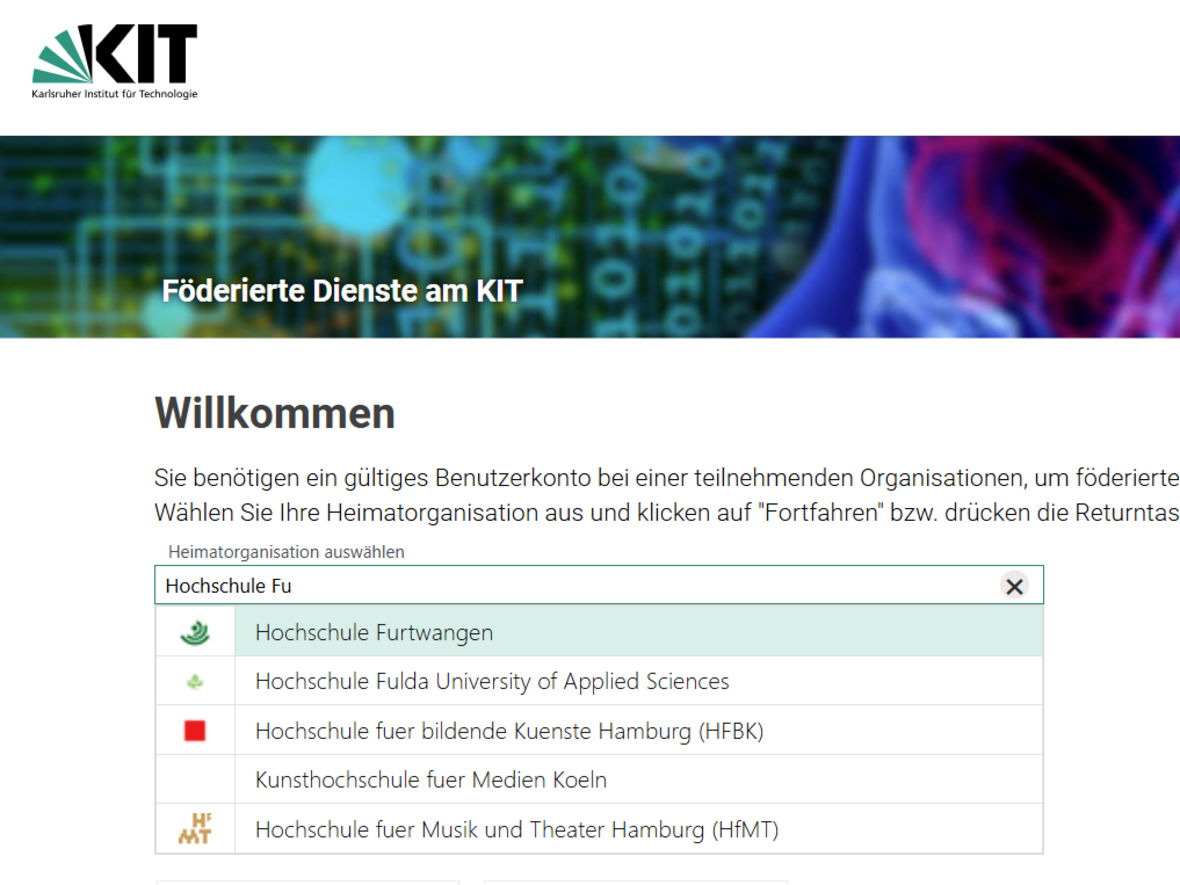
Please select Furtwangen University as your home organisation.
Under ‘Home organisation’, select Furtwangen University and click ‘Continue’.
Log in as usual using your HFU account details.
Please confirm that your personal details are correct and agree to their transmission by clicking the ‘Accept’ button.
In the menu on the left-hand side, under the menu item ‘bwSync&Share’, click on ‘Service Description’ on page 3 of 3.
Click on the ‘Register’ link at the very bottom of the description page.
Please accept the terms and conditions at the bottom of the page and click on ‘Register’.
You are now registered and can start using bwSync&Share straight away.
Using the web browser: see the Helpcard Internal link opens in the same window:‘Using bwSync and Share via a web browser’ (BWSYNC 10-020).
Use via a client: see the Helpcard Internal link opens in the same window:‘Using bwSync and Share with a client’ (BWSYNC 10-030).
Please note: Do not store any personal data as defined by the LDSG or the GDPR in bwSync&Share!